
Mayi VPN
Tools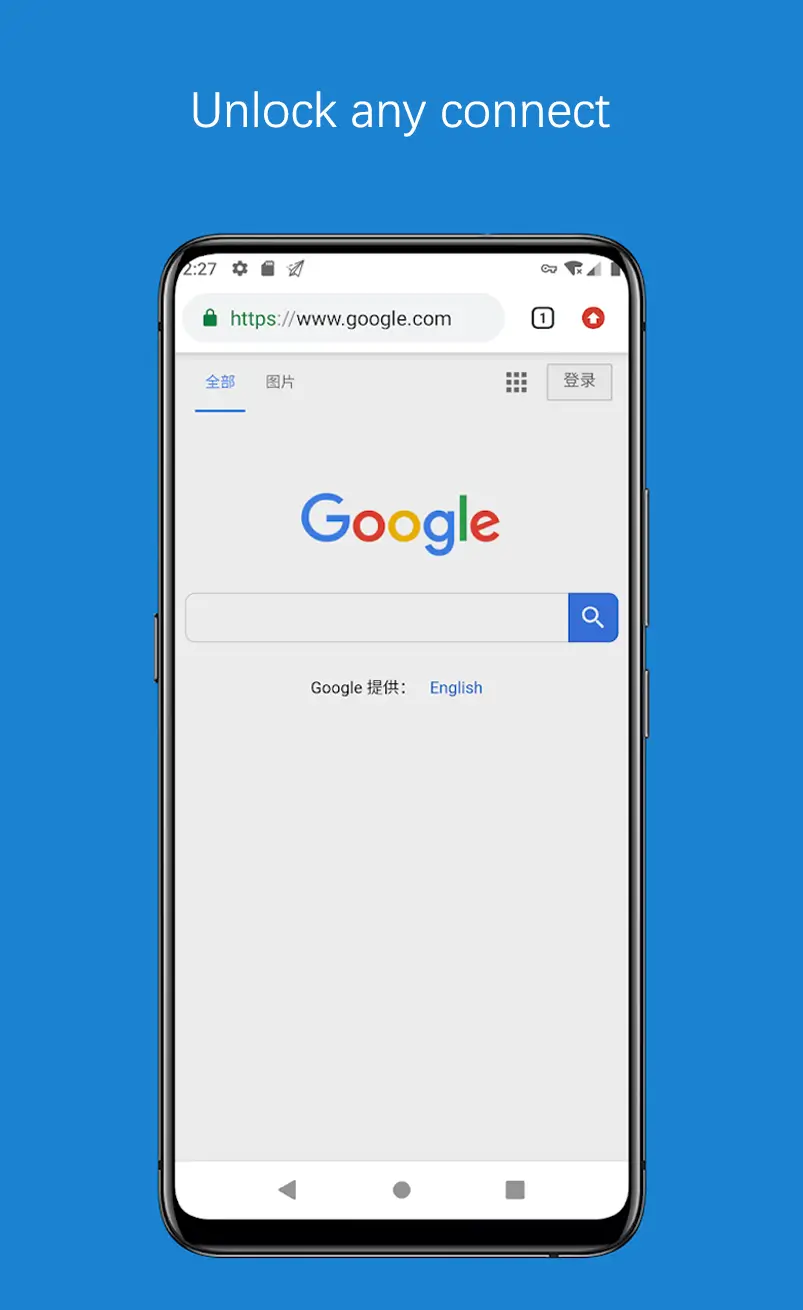
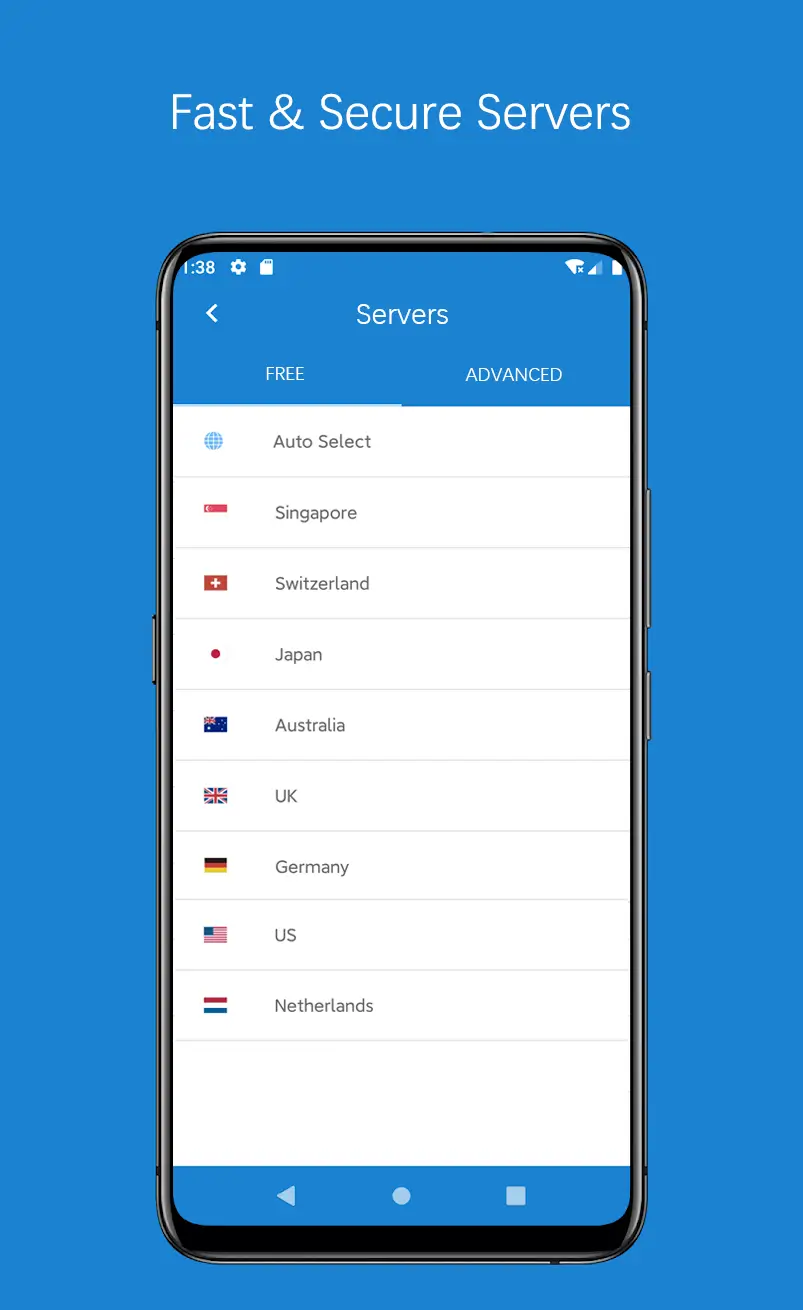
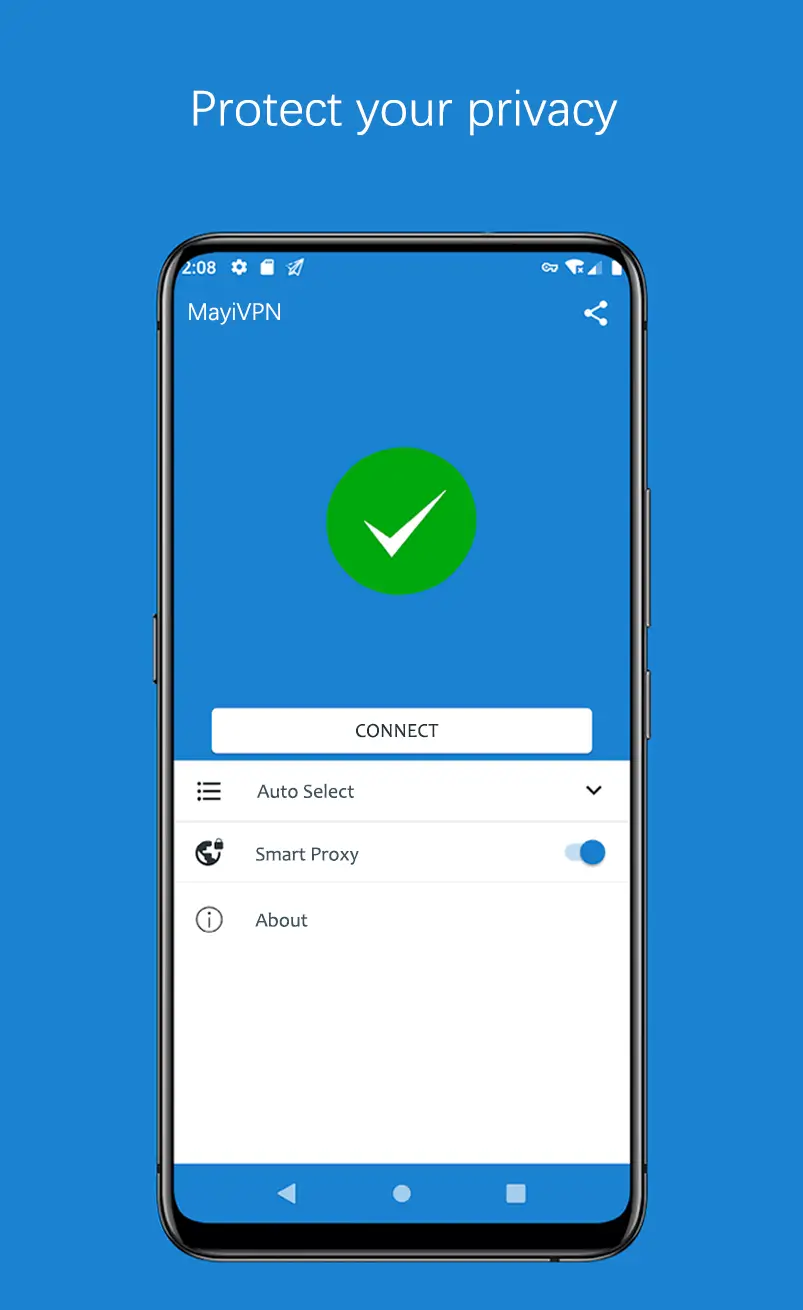
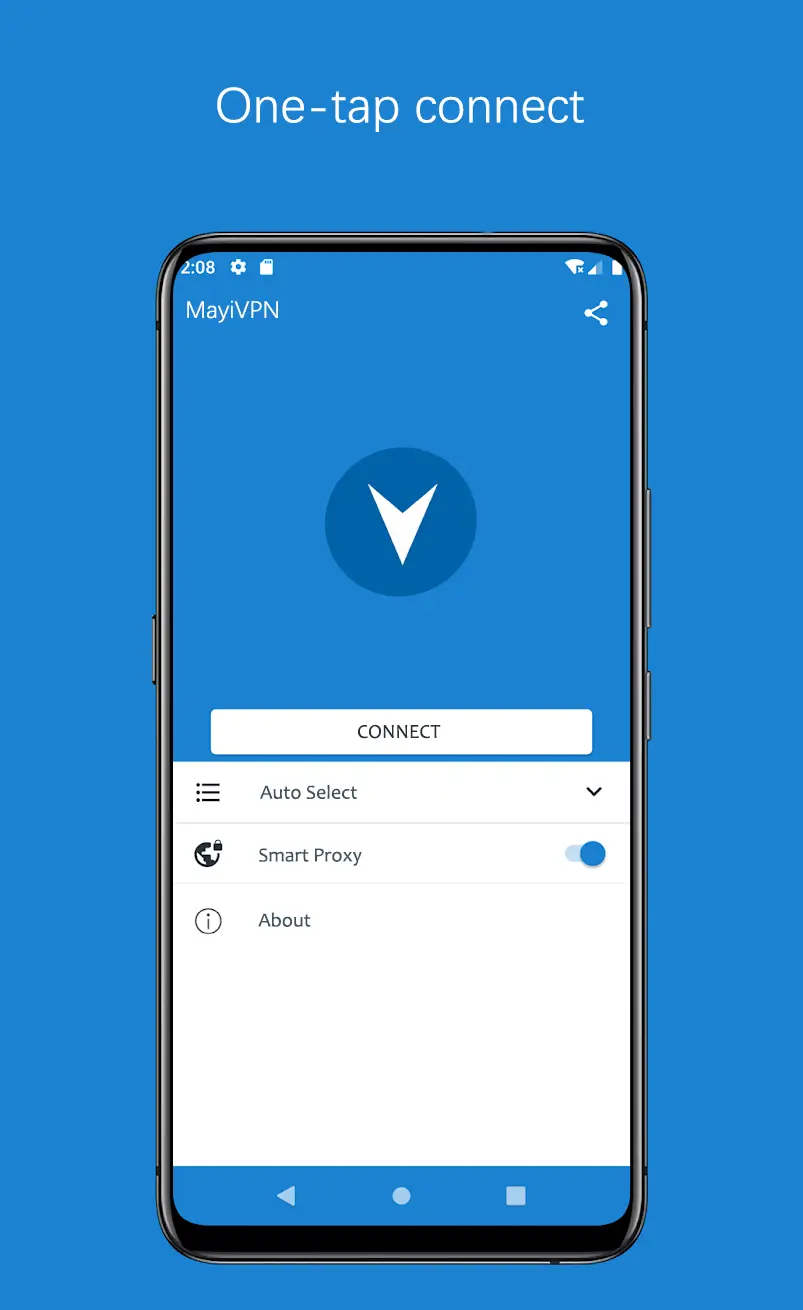

Mayi VPN is an Android application that creates a secure tunnel for your internet traffic, helping to keep your online activity private. The app is marketed as a fast and completely free VPN solution, suitable for everyday browsing, streaming, and accessing geo‑restricted content.
This page provides a concise overview of Mayi VPN, practical installation steps, common troubleshooting tips, and a comparison with other popular VPN services. Whether you are looking for a lightweight privacy tool or just want to test a new free VPN, the information below should help you decide.
Quick Information
| App/Game Name | Mayi VPN |
| Latest Version | 316 |
| Developer | Not listed |
| Category | Apps / Tools |
| App Size | 14.42 MB |
| Package Name | com.mayi.xiaoyi |
| Last Updated | 14 January 2026 |
What Is Mayi VPN?
Mayi VPN functions as a virtual private network client for Android devices. By routing your data through encrypted servers, it masks your IP address and protects your connection from eavesdropping on public Wi‑Fi networks. The core features include:
- Free usage without subscription fees.
- Automatic server selection for optimal speed.
- Basic encryption to secure traffic.
- Simple one‑tap connect/disconnect interface.
The app is aimed at users who need a quick privacy boost without the complexity of premium VPNs. It does not claim advanced features such as split tunneling, multi‑hop routing, or dedicated IP addresses.
Compatibility
| Android Version | Not Verified |
| Architecture (ARM64 / 32-bit) | ✓ Verified — Supports common device architectures |
| Internet Connection | ✓ Verified — May be required for ads, updates, or login |
| Storage Needed | Not Verified |
| OBB/Data Files | Not Verified |
| Root Required | Not Verified |
How to Install
- Download the Mayi VPN APK file to your Android device.
- Before installing, go to Settings > Security (or Privacy on newer Android versions) and enable Install unknown apps for the browser or file manager you used.
- Open the downloaded APK and tap Install. Wait for the installation to finish.
- Once installed, launch Mayi VPN from the app drawer.
- Grant any required permissions (e.g., VPN service permission) and tap the connect button to start protecting your connection.
Troubleshooting
- App not installed: Ensure you have enabled installation from unknown sources and that the APK is not corrupted. Re‑download if necessary.
- Crashes on startup: Verify that your device runs Android 5.0 (Lollipop) or newer. Clearing app data or reinstalling can resolve many issues.
- VPN connection fails: Check your internet connection, try switching between Wi‑Fi and mobile data, and restart the app. Some networks block VPN traffic; switching servers (if the option exists) may help.
- Login or account prompts: Mayi VPN is advertised as free and does not require an account. If a login screen appears, it may be a spoofed version; uninstall and reinstall the official APK.
Safety & Security
Mayi VPN is a modified (non‑official) package, so users should consider the source before installing. Check the app’s permissions after installation; a VPN should only request network access and the ability to set up a VPN connection. Avoid entering sensitive personal or financial information while using any free VPN, as the provider’s privacy policy may be unclear.
Because the app is free, it may display ads or collect usage data to cover costs. Regular updates are not guaranteed, and future Android releases could affect compatibility.
How Mayi VPN Compares
| Feature | Mayi VPN | NordVPN | ProtonVPN |
|---|---|---|---|
| Price / Free model | Free, ad‑supported | Subscription‑based (paid) | Free tier + paid plans |
| Platform availability | Android only (APK) | Android, iOS, Windows, macOS, Linux | Android, iOS, Windows, macOS, Linux |
| Standout feature | Zero‑cost entry, simple UI | Large server network, strong security | Strong privacy focus, Swiss jurisdiction |
| Best for | Casual users needing basic privacy | Power users seeking speed and reliability | Privacy‑conscious users preferring a reputable free tier |
Alternatives
If you need more features or a proven track record, consider these well‑known VPN apps:
- NordVPN – Offers a massive server list, strong encryption, and a user‑friendly interface, but requires a subscription.
- ProtonVPN – Provides a reputable free plan with unlimited data on a limited server set, plus paid upgrades for faster speeds.
- ExpressVPN – Known for fast connections and a wide device support range; it is a premium service.
- Windscribe – Free tier includes 10 GB of monthly data and a decent server selection.
- TunnelBear – Simple design, free 500 MB monthly allowance, good for occasional use.
Final Verdict
Mayi VPN offers a straightforward, no‑cost way to add basic encryption to your Android browsing. It is best suited for users who need occasional privacy protection and are comfortable with a free, ad‑supported model. Because the app is not officially maintained, expect limited support and possible compatibility hiccups on newer Android versions. Verify the source, review permissions, and consider a more established VPN if you require advanced features, higher reliability, or stronger privacy guarantees.
Frequently Asked Questions
Mayi VPN works as a basic VPN, but because it is a free, unofficial app, you should verify the download source and review the permissions it requests before installing.
The app requires Android 5.0 (Lollipop) or newer, which covers the majority of modern devices.
No, Mayi VPN does not require root access; it uses the standard Android VPN service.
This usually happens when installation from unknown sources is disabled or the APK is corrupted; enable the setting and re‑download the file.
Mayi VPN may work for basic streaming, but free servers often lack the speed or dedicated IPs needed for reliable access to services like Netflix.
Download the newest APK from a trusted source and reinstall it; the installer will replace the older version while keeping your settings.
The app is advertised as completely free with no explicit data caps, but performance may vary depending on server load.
Running any VPN keeps the network active, which can slightly increase battery consumption compared to not using a VPN.